Supported CPAP Machines
Every CPAP machine we can read data from, the ones we can’t yet, and what the Magic Uploader changes.
Compatibility
CPAP machines SleepHQ supports
SleepHQ works with most modern CPAP machines that record their data to an SD card — every ResMed AirSense, AirCurve, S9 and Lumis, every Philips Respironics DreamStation and DreamStation 2, the Fisher & Paykel SleepStyle and ICON Auto, the Löwenstein prisma line, and the BMC G3 A20 and G2S A20, including the G3 A20 sold as the React Health Luna G3 APAP.
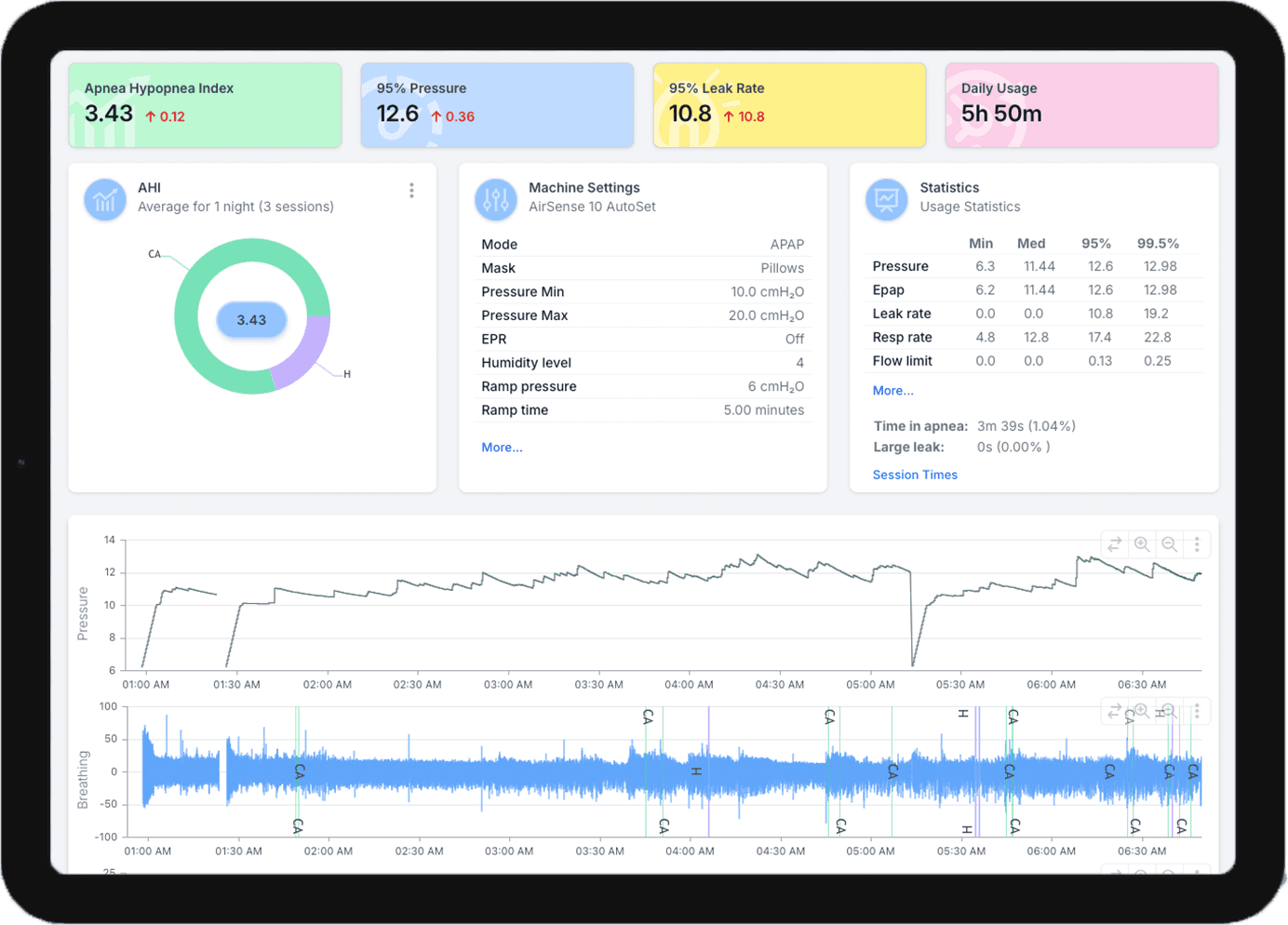
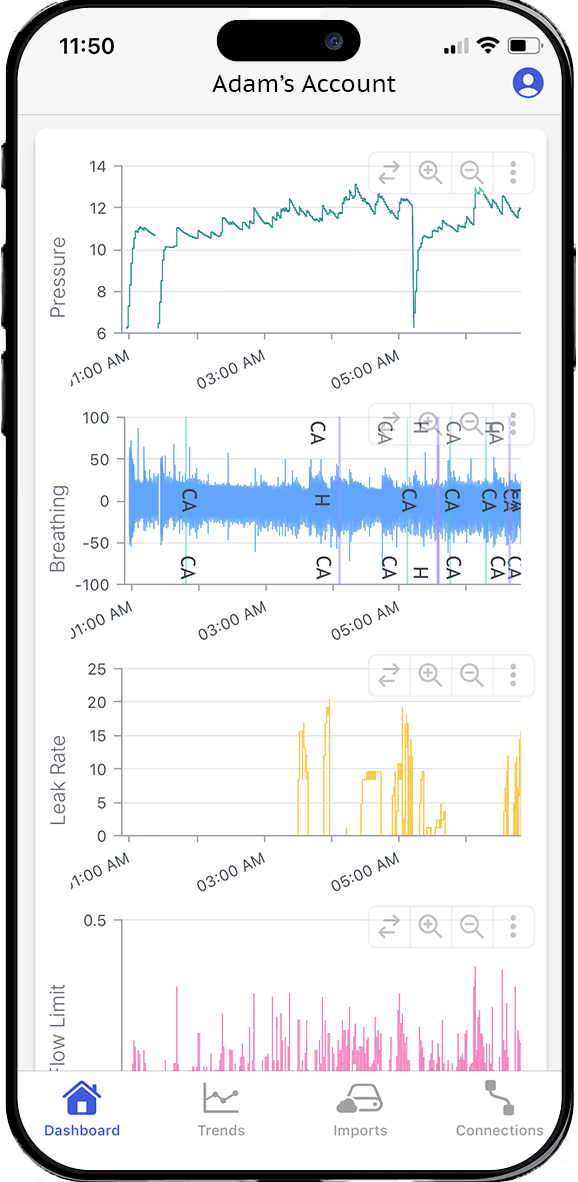
Every machine in the table below works with SleepHQ in any web browser and in the SleepHQ apps for iPhone, iPad and Android. If yours isn’t in it, check the machines we don’t support yet — and if it is on neither list, send us your data and we’ll tell you.
You can also upload your data manually from any supported machine — copy the contents of its SD card and upload the files to SleepHQ.
We also read overnight SpO2 from the SleepHQ O2 Ring, available here.
Automatic uploads
The Magic Uploader Pro uploads your ResMed data overnight
The Magic Uploader Pro sends your CPAP data to SleepHQ overnight, so it is analysed and waiting on your dashboard by the time you take your mask off. You plug it into your ResMed machine, connect it to your home wifi, and then leave it alone.
It reads your machine’s SD card over wifi, using the wifi SD card it ships with. Away from your home network that card holds your nights and syncs them the moment you are back on it, and over-the-air updates keep the uploader current.
The Magic Uploader Pro requires a SleepHQ Pro membership. See it in the SleepHQ shop.
Machines it works with
The Magic Uploader Pro works with ResMed series 10 and series 11 machines.
- AirSense 11 / AirCurve 11
- AirSense 11 AutoSet, AirSense 11 Elite, AirSense 11 CPAP, AirSense 11 Respond, AirCurve 11 VAuto, AirCurve 11 ASV, AirCurve 11 S, AirCurve 11 ST
- AirSense 10 / AirCurve 10
- AirSense 10 AutoSet, AirSense 10 AutoSet for Her, AirSense 10 Elite, AirSense 10 CPAP, AirSense 10 AutoSet Plus, AirCurve 10 VAuto, AirCurve 10 S, AirCurve 10 ST, AirCurve 10 ST-A, AirCurve 10 ASV, AirCurve 10 CS PaceWave
Your O2 Ring Pro, over Bluetooth
It also pairs with the SleepHQ O2 Ring Pro over Bluetooth, so your pulse oximetry data lands on the same dashboard as your CPAP data — no second SD card, and nothing to plug in.
Not supported
Machines SleepHQ can’t read
ResMed AirMini
The AirMini is not supported in SleepHQ. It has no SD card slot, so there is no data for us to read. That is a property of the machine rather than something a future SleepHQ release changes.
Not yet supported in SleepHQ
- Resvent
- iBreeze 20A, iBreeze 20C, iBreeze 25A, iBreeze 30STA, iDisc 20A
- Yuwell
- DeVilbiss
- Hoffrichter
- Weinmann
- SOMNOsoft2
- Löwenstein prisma VENT range
- prisma VENT30, prisma VENT40, prisma VENT50
We’re actively working to add support for more devices, and we announce new devices to the community when they land.
Questions & answers
Device questions we’re asked most
More about uploading, sharing and connecting other devices is on the help centre.
Does SleepHQ work with the ResMed AirMini?
No. The ResMed AirMini is not supported in SleepHQ. It has no SD card slot, so there is no data for us to read.
That applies to the Magic Uploader too: it works by reading a machine’s SD card, and the AirMini has none.
Which ResMed machines does SleepHQ support?
Every ResMed machine that writes to an SD card, across three generations:
- AirSense 11 / AirCurve 11
- AirSense 11 AutoSet, AirSense 11 Elite, AirSense 11 CPAP, AirSense 11 Respond, AirCurve 11 VAuto, AirCurve 11 ASV, AirCurve 11 S, AirCurve 11 ST
- AirSense 10 / AirCurve 10
- AirSense 10 AutoSet, AirSense 10 AutoSet for Her, AirSense 10 Elite, AirSense 10 CPAP, AirSense 10 AutoSet Plus, AirCurve 10 VAuto, AirCurve 10 S, AirCurve 10 ST, AirCurve 10 ST-A, AirCurve 10 ASV, AirCurve 10 CS PaceWave
- S9 series and Lumis
- S9 AutoSet, S9 Elite, S9 Escape, S9 Auto 25, S9 VPAP Auto, S9 VPAP S, S9 VPAP ST, S9 Adapt (ASV), Lumis VPAP 100 S / ST / ST-A, Lumis VPAP 150 ST / ST-A, AirStart 10
The ResMed AirMini is the exception, and it is not supported.
Does SleepHQ support Philips DreamStation?
Yes — both the original DreamStation and the DreamStation 2, including the BiPAP and Go models:
- DreamStation 2
- DreamStation 2 CPAP, DreamStation 2 Auto CPAP, DreamStation 2 Advanced
- DreamStation
- DreamStation CPAP, DreamStation CPAP Pro, DreamStation Auto CPAP, DreamStation Auto BiPAP, DreamStation BiPAP Pro, DreamStation BiPAP autoSV, DreamStation BiPAP AVAPS 30, DreamStation BiPAP S/T 30, DreamStation Go, DreamStation Go Auto
Which machines does the Magic Uploader work with?
The Magic Uploader Pro works with ResMed series 10 and series 11 machines.
- AirSense 11 / AirCurve 11
- AirSense 11 AutoSet, AirSense 11 Elite, AirSense 11 CPAP, AirSense 11 Respond, AirCurve 11 VAuto, AirCurve 11 ASV, AirCurve 11 S, AirCurve 11 ST
- AirSense 10 / AirCurve 10
- AirSense 10 AutoSet, AirSense 10 AutoSet for Her, AirSense 10 Elite, AirSense 10 CPAP, AirSense 10 AutoSet Plus, AirCurve 10 VAuto, AirCurve 10 S, AirCurve 10 ST, AirCurve 10 ST-A, AirCurve 10 ASV, AirCurve 10 CS PaceWave
It also pairs with the SleepHQ O2 Ring Pro over Bluetooth, so your pulse oximetry data lands on the same dashboard as your CPAP data — no second SD card, and nothing to plug in.
The Magic Uploader Pro requires a SleepHQ Pro membership.
My machine isn’t listed — what do I do?
Send us your data and we’ll tell you. Copy the contents of your machine’s SD card, email it to support@sleephq.com and we’ll check whether SleepHQ can read it.
We’re actively working to add support for more devices, and we announce new devices to the community when they land.
Join for free today
Create a free SleepHQ account and start your journey today
Ready to improve your CPAP therapy results? Create a free account and get started today.