Löwenstein prisma SOFT and prisma20C
Yes to both. Each runs at one set pressure, and we read every night off the card.
Compatibility
Does SleepHQ work with the Löwenstein prisma SOFT and prisma20C?
SleepHQ works with the Löwenstein prisma SOFT and the prisma20C, and reads every night either of them records.
Both hold a single pressure all night, so SleepHQ has the same answer for each and they share this page. Löwenstein machines are common in Europe and thin on the ground in English-language sleep software, which is most of the reason people arrive at this question not expecting a yes.
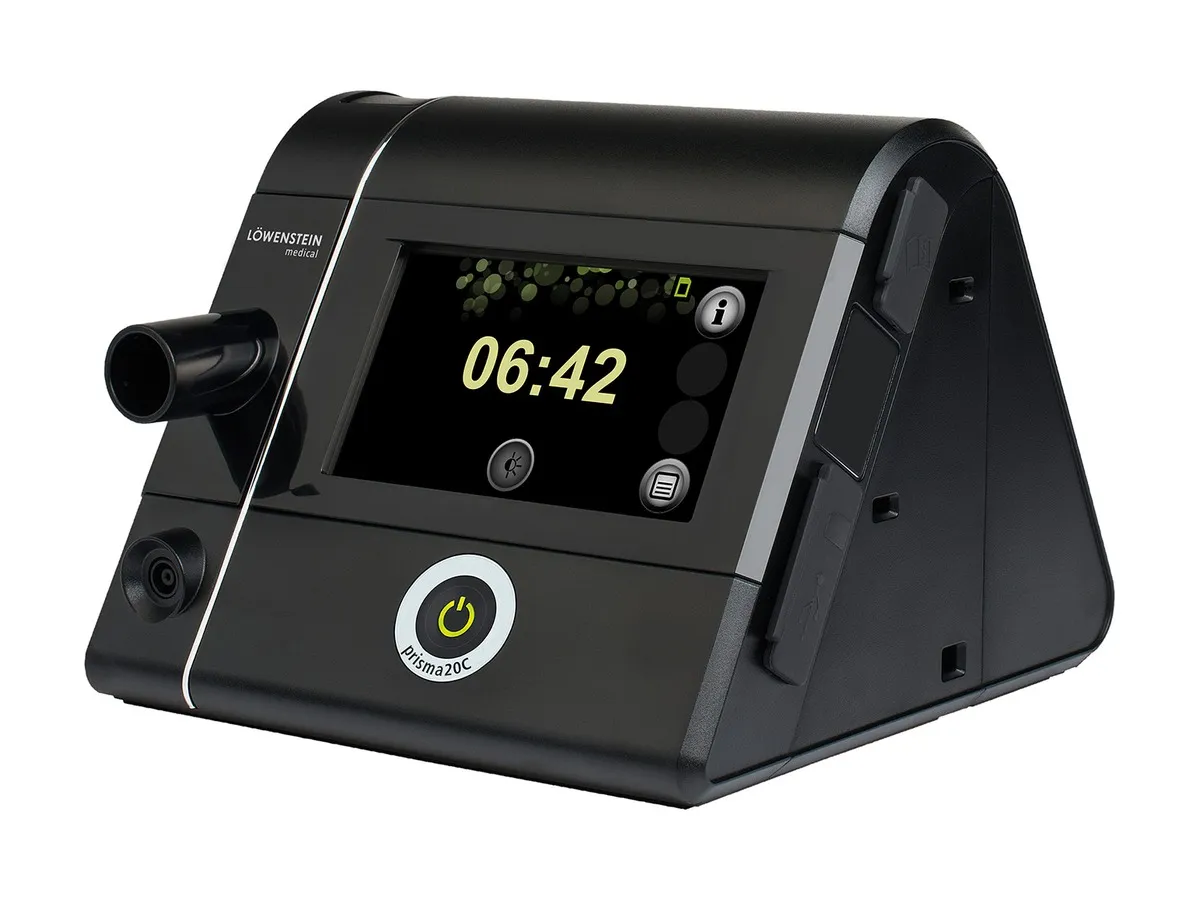
The machines on this page
- Löwenstein prisma SOFT
- Löwenstein prisma20C
Uploads
Getting your data into SleepHQ
Take the SD card out of your machine, put it in a computer or a phone with a card reader, and upload the files to SleepHQ. Everything the card holds comes across in one go, so the first upload usually brings months of nights with it rather than one.
A free SleepHQ account reads the same files a Pro one does, so there is nothing to buy before you find out what is on your card.
Your data
What SleepHQ shows you
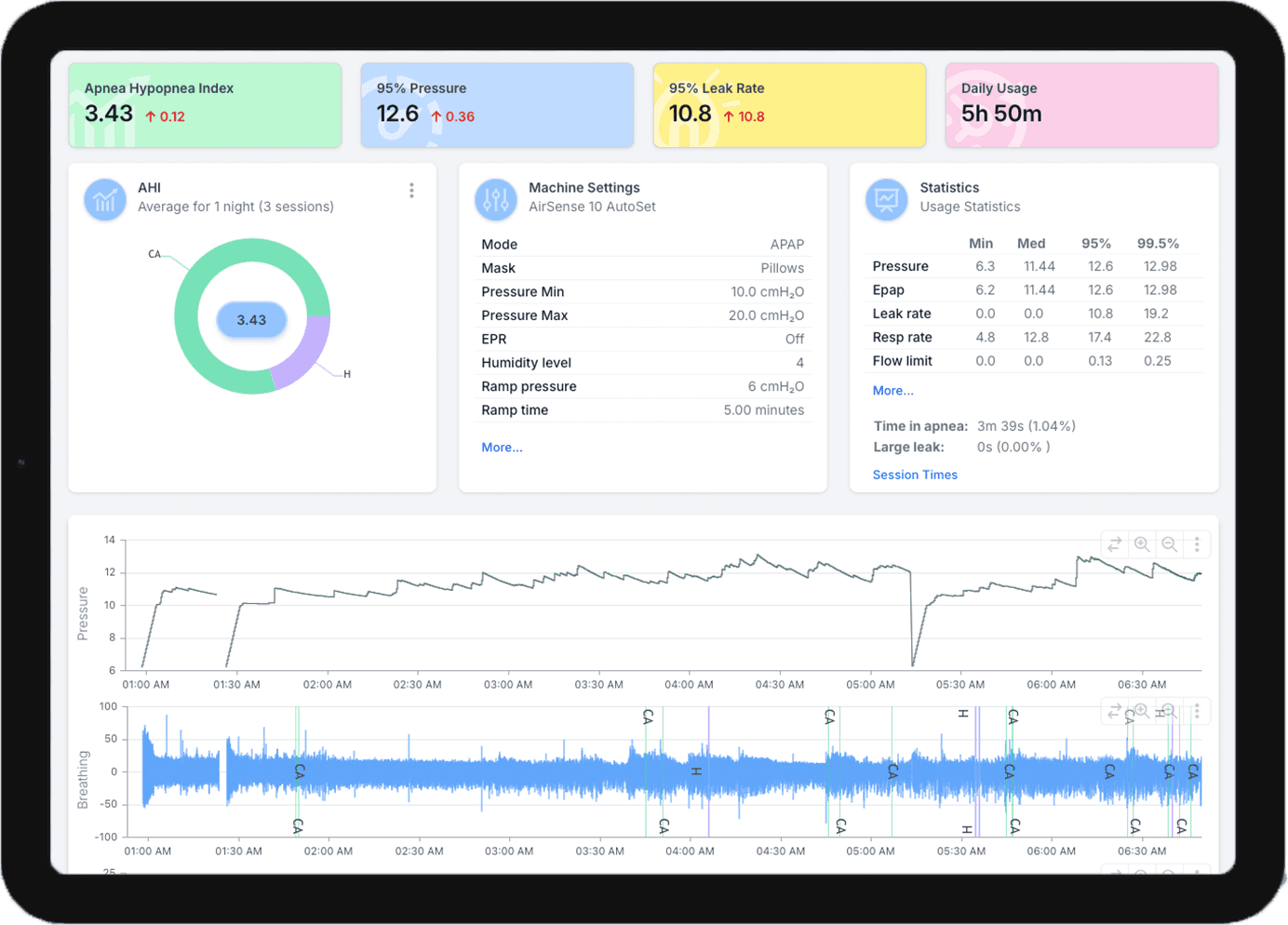
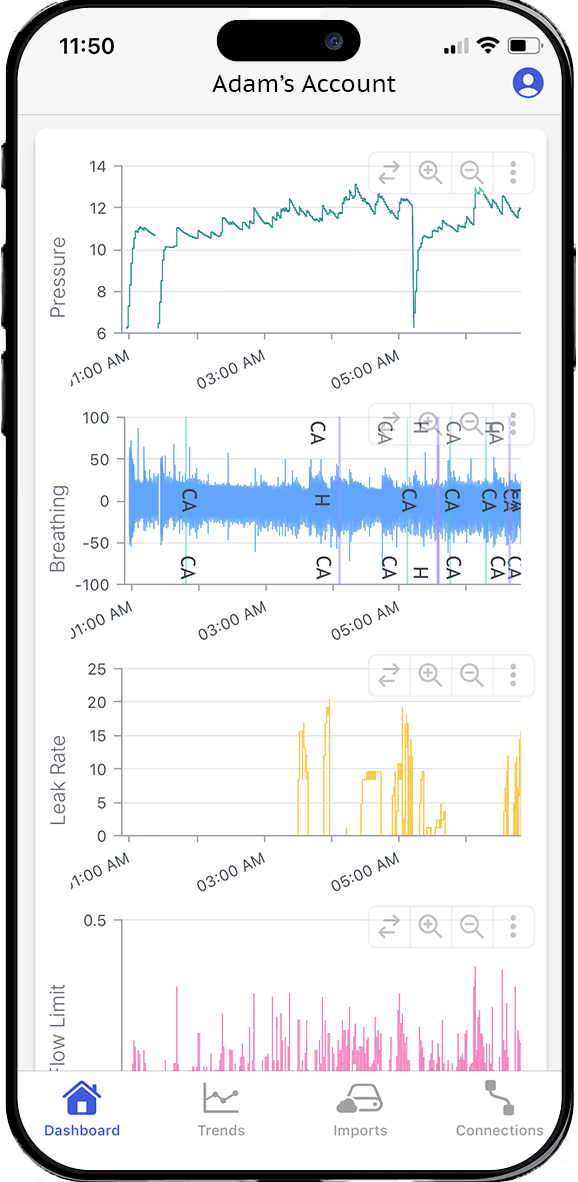
Every night comes in whole: usage hours, AHI, pressure, leak rate, flow limitation and respiratory rate, with the detailed charts underneath them and every night you have ever uploaded kept beside it.
Your machine holds one pressure all night, so SleepHQ charts it as a single line — and what you are really reading is everything underneath it: whether that one pressure was enough, and at what hour of the night it stopped being enough.
Other Löwenstein prisma line machines
Löwenstein prisma SMART and prisma20A
Yes to both, with the pressure each one chose charted against the range it was given.
Löwenstein prisma25S and prisma30ST
Yes to both, with both pressures charted for every night you upload.
Löwenstein prismaCR
Yes — we read every night it records, at the resolution the machine wrote it in.
Löwenstein prismaLAB
Yes. We read what the machine delivered, whichever mode it was set up to run.
Every machine SleepHQ reads is listed on the supported devices page, and if yours is not on it, send us your data and we will tell you.
Join for free today
Create a free SleepHQ account and start your journey today
Ready to improve your CPAP therapy results? Create a free account and get started today.