Help Center
Find quick answers to common questions, access reference materials, or reach out if you need further assistance. We're here to help!
Questions & answers
Have questions? We’ve got answers!
Whether you’re new to SleepHQ or looking for more details, you’ll find helpful answers to your questions below.
What CPAP machines are compatible with SleepHQ?
- ResMed
- Series 9 (eg S9), Series 10 (eg AirSense 10), Series 11 (eg AirSense 11)
- Philips Respironics
- DreamStation 1, DreamStation 2
- Fisher & Paykel
- SleepStyle, ICON Auto
- Löwenstein
- prisma SMART, prisma20A
- BMC
- G3 A20 (sold as the React Health Luna G3 APAP), G2S A20
That is the short answer. See every supported CPAP model, the machines we do not support yet, and which of them the Magic Uploader can fetch automatically.
Can I use SleepHQ on a mobile device?
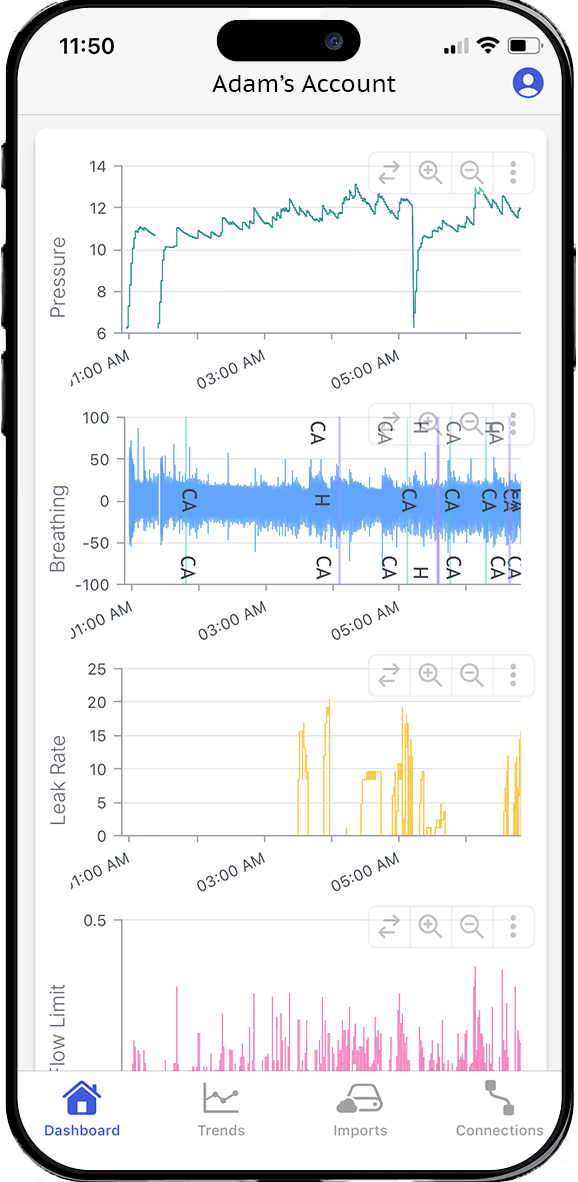
Yes! Our cloud based platform can be used on any device with a browser. You can also use the native iOS app on iPhone and iPad, and the native Android app on all Android devices.
How do I get the data from my CPAP machine?
From its SD card. You can copy the files off the card and upload them to SleepHQ yourself, or, on a ResMed series 10 or series 11 machine, let a Magic Uploader Pro send them to SleepHQ automatically.
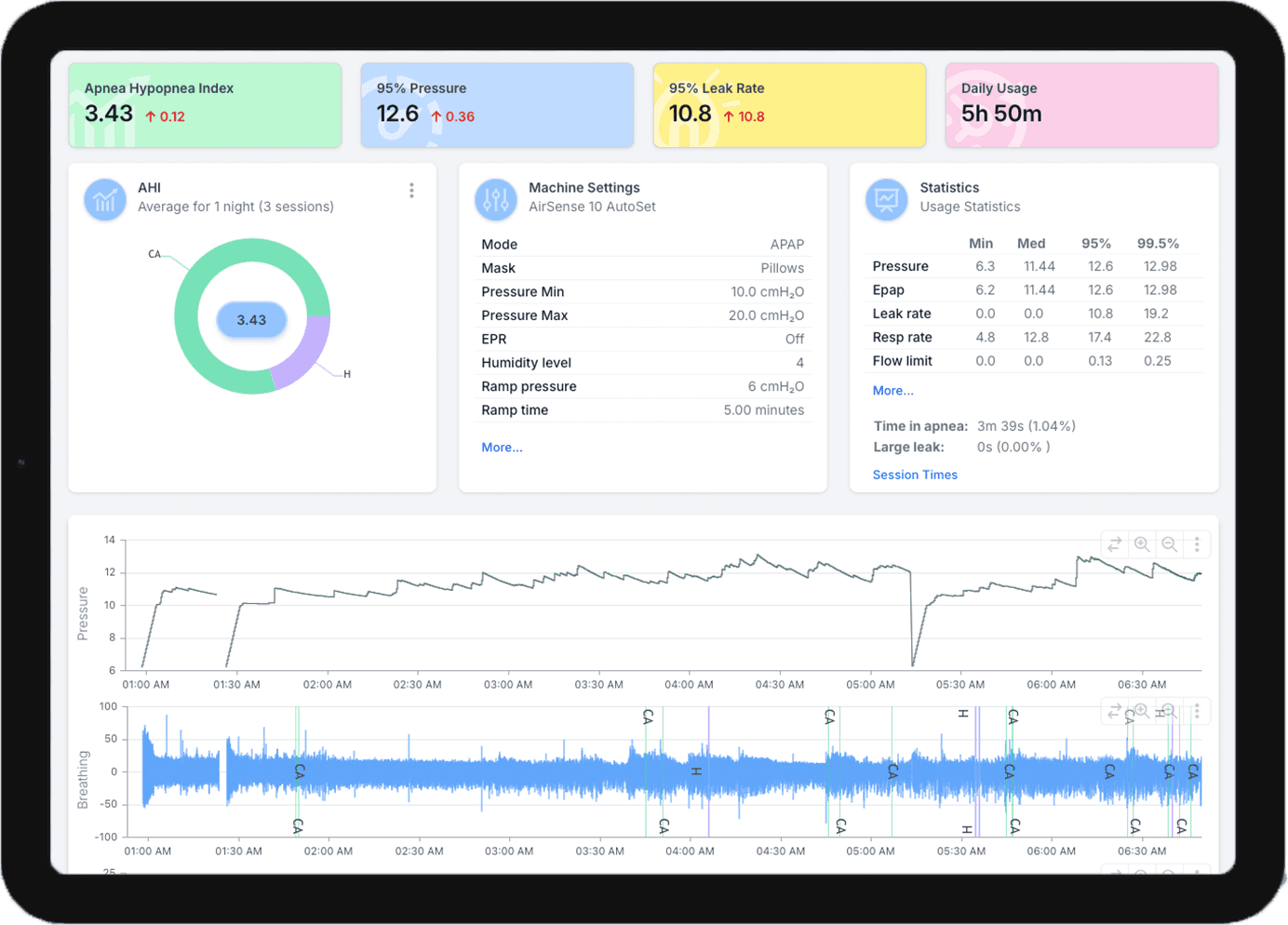
Either way, every night comes in whole: usage hours, AHI, pressure, leak rate and respiratory rate, plus flow limitation on machines that record it, with the detailed charts underneath them.
What other devices can I connect?
You can optionally connect additional devices such as the SleepHQ O2 Ring Pro to monitor your SpO2 throughout the night. Please note only SleepHQ branded devices are compatible.
Is there free software to read my CPAP’s SD card?
Yes. A free SleepHQ account reads the files on your CPAP machine’s SD card — the same files a Pro one does. Take the SD card out of your machine, put it in a computer or a phone with a card reader, and upload the files to SleepHQ.
Everything the card holds comes across in one go. The free Basic plan shows your most recent 30 days; a Pro membership has unlimited data, so every night you upload stays there.
How do I get data from a ResMed AirSense 10 or AirSense 11?
Both record to an SD card, so you can upload the card’s files to SleepHQ yourself or have a Magic Uploader Pro send each night for you.
The Magic Uploader Pro works with ResMed series 10 and series 11 machines. It reads your machine’s SD card over your home wifi, so last night is in SleepHQ by the time you take your mask off. The Magic Uploader Pro requires a SleepHQ Pro membership.
Both ways read the SD card, not the MyAir app, so neither depends on your machine sending its data to MyAir.
Does it work with other wearables?
SleepHQ is compatible with all wearables that write sleep stage data to Apple Health or Google Health. If your wearable writes to Apple Health, you can connect and sync the data using the SleepHQ iOS app; if it writes to Google Health, you can do the same with the SleepHQ Android app.
Is my data secure?
All SleepHQ data is encrypted both at rest and in flight ensuring your data is completely secure at all times.
Can I connect my data with my doctor or sleep specialist?
Yes. With SleepHQ, you have a number of options to share data. If your doctor or sleep specialist is registered with a SleepHQ clinical account they will be able to give you a custom link to connect directly.
If your sleep specialist does not currently use SleepHQ, you can create a share link that can be emailed directly to them. All they need to do is click the link to view your full high resolution data.
API reference
For technical users and developers who want to build integrations with the SleepHQ platform, you can access our REST API documentation from the link below.
Get in touch
Still need help? Don’t worry, we’re here for you. Send us a message and we’ll get back to you within two business days.
Tell us your SleepHQ account email and which CPAP machine you use — it saves a round trip.
Can’t see the message form? Email support instead.
Thanks — that’s on its way.
We’ll get back to you within two business days. If it is urgent, email support@sleephq.com.
Join for free today
Create a free SleepHQ account and start your journey today
Ready to improve your CPAP therapy results? Create a free account and get started today.