ResMed AirSense 11 AutoSet
Yes — and the Magic Uploader Pro can have last night in SleepHQ before you wake up.
Compatibility
Does SleepHQ work with the ResMed AirSense 11 AutoSet?
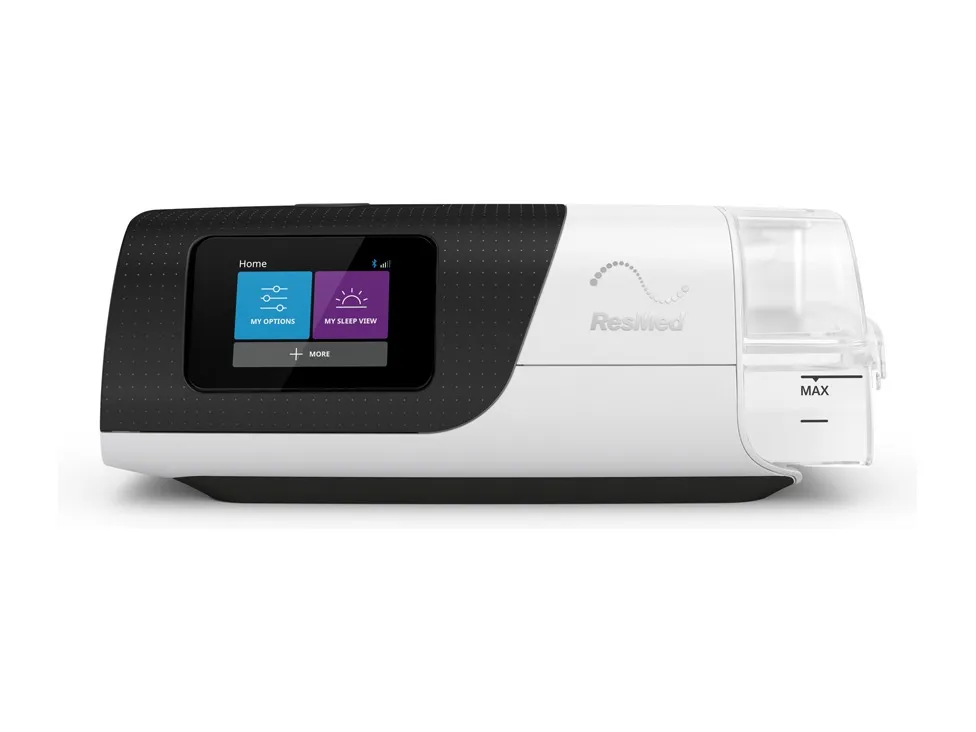
SleepHQ works with the ResMed AirSense 11 AutoSet and reads every night it records.
The AutoSet is an APAP: you give it a floor and a ceiling and it moves between them all night. Whether that range is the right one for you is not a question a single night answers, and it is the question SleepHQ is built for — every night you upload is kept, so a change you made three weeks ago is still there to compare against.
Uploads
Getting your data into SleepHQ
There are two ways in, and one of them you only do once. The Magic Uploader Pro plugs into your machine and joins your home wifi, and from then on last night’s data is in SleepHQ and analysed by the time you take your mask off. Nothing to remember and no card to carry.
The Magic Uploader Pro requires a SleepHQ Pro membership.
You can also upload your data manually from any supported machine — copy the contents of its SD card and upload the files to SleepHQ.
More on how the uploader works is in the Magic Uploader section, and it is in the SleepHQ shop.
Your data
What SleepHQ shows you
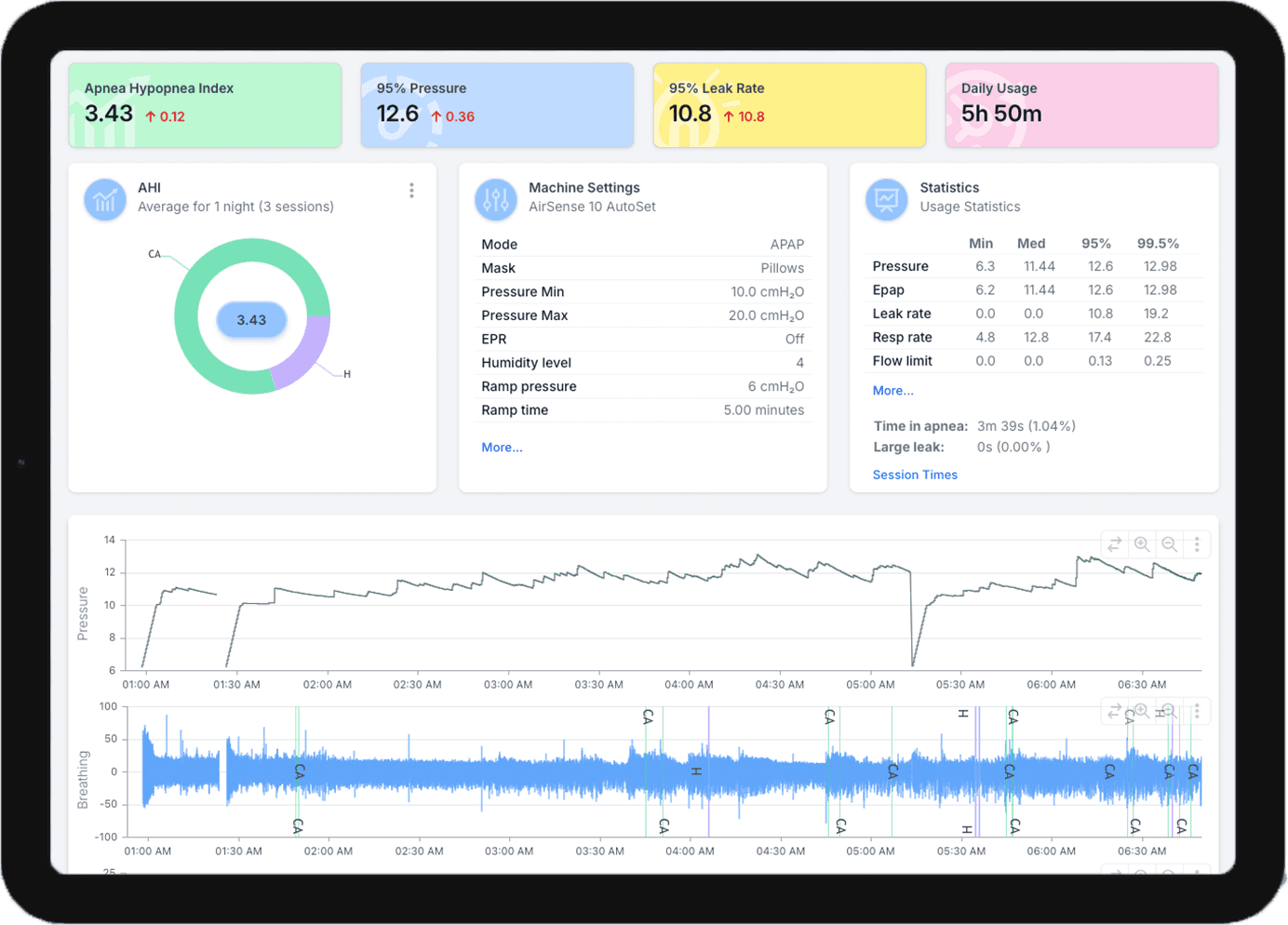
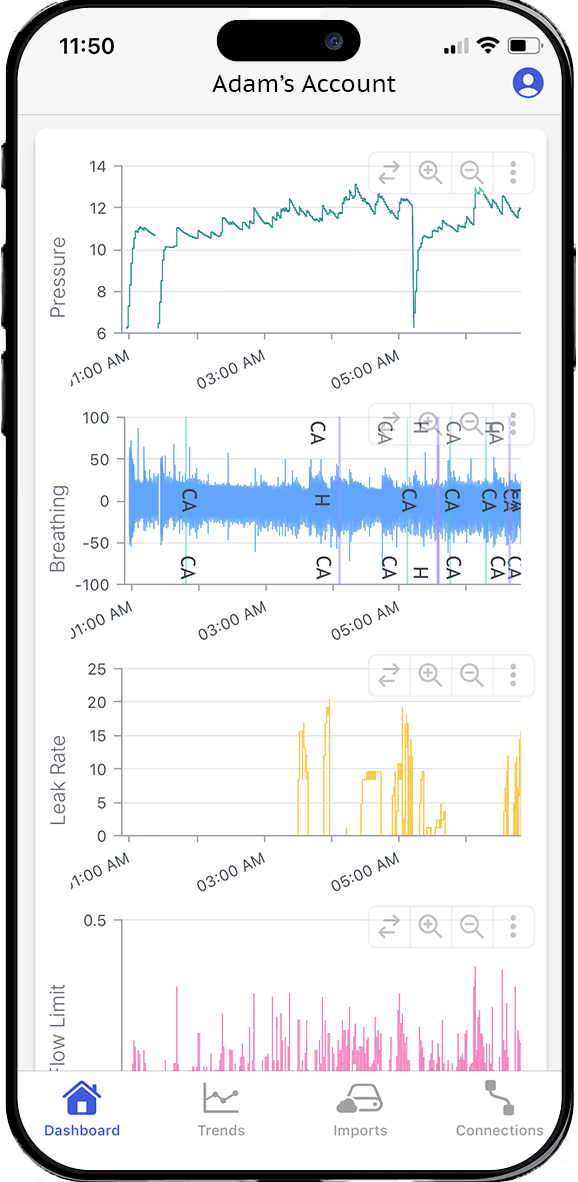
Every night comes in whole: usage hours, AHI, pressure, leak rate, flow limitation and respiratory rate, with the detailed charts underneath them and every night you have ever uploaded kept beside it.
Your machine picks its own pressure through the night, so SleepHQ charts what it actually chose against the minimum and maximum it was given. That is how you tell a range that is working from one your machine is spending every night pinned to the top of.
Other ResMed AirSense 11 / AirCurve 11 machines
ResMed AirSense 11 Elite, CPAP and Respond
Yes. All three record to an SD card, and we read every night of it.
ResMed AirCurve 11 VAuto, S and ST
Yes to all three — read off the SD card, or sent up overnight by the Magic Uploader Pro.
ResMed AirCurve 11 ASV
Yes — we read every ASV night it records, and show what it was set to as well as what it delivered.
Every machine SleepHQ reads is listed on the supported devices page, and if yours is not on it, send us your data and we will tell you.
Join for free today
Create a free SleepHQ account and start your journey today
Ready to improve your CPAP therapy results? Create a free account and get started today.